
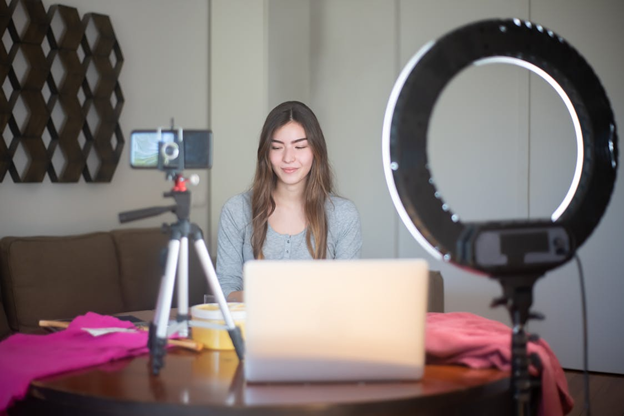
Photo by Kampus Production on Pexels
The creator landscape is evolving quickly and if you are building an online brand, you will need the right tools to keep up! The good news is that you do not need a huge tech stack, and that a handful of thoughtfully chosen platforms can help you work faster, stay organized, and help you create professional content without burning out. Here are six must-use-tricks for a better 2025.
1. A Powerful All-in-One Editing Platform
Every creator’s work is built on quality visuals. Instead of using several apps to apply filters, resize images or even stack a graphic overlay, many creators are now choosing all-in-one editing platforms that can do everything in a single dashboard. When searching for a platform looks for:
- A drag-and-drop editor
- Templates for social posts, reels, thumbnails and ads
- AI-powered clean-up tools
- Quick brand-kit features
These platforms will save you hours of work and create a cohesive look across all of your channels. They are perfect for creators who want strong visuals without learning complex software.
2. Automated Scheduling and Social Publishing Tool
Staying consistent is important, but it can take too long to post manually on various platforms, even if you batch or prep it. Using a modern service to automate your output will keep your content calendar filled, and help you batch your content effectively. The biggest features to include would be:
- Auto post on all of the platforms you use
- Analytics to show what is performing well
- Calendar views for pre-planning campaigns
- Best-time-to-post for organic growth
- Drafting and collaboration with team members or clients
Whether you have your finger on one brand or ten, a good scheduler will keep you consistent, organized, and relatively free of headaches!
3. Cloud-Based Collaboration Workspace
Creators today rarely work alone anymore. Designers upload assets, editors review drafts, clients comment, and team members brainstorm. A flexible collaboration workspace will anchor all of that. The best workspace will offer:
- Real-time edits and feedback
- File and asset libraries
- Easy feedback and revision trails
- Integration with the products you already use
- Secure sharing with contractors and partners
It keeps your communication clean, saves you time, reduces your back and forth, and eliminates the “which version is this?” chaos.
4. A Digital Organization System to Track Ideas, Scripts, and Tasks
Creative processes work best with an organizational system – particularly when you’re trying to arrange posts, clients, travel, or launches. A digital organizational system acts as your centralized hub for ideas, scripts, short lists, email copy, and daily tasks. Creators benefit from organizational tools that have:
- Boards or lists to keep track of projects
- Notebooks for scripts or content
- Structured tagging for fast sorting
- Mobile access
- Automations to remind you of tasks and deadlines
This organizational tool is necessary in today’s world of, a million sticky notes and half written drafts. It helps you retain productivity without losing your ideas.
5. A Light-weight screen recorder for Tutorials & Demos
More and more creators are teaching their process, selling digital courses, or filming walkthroughs for clients. That’s where a light-weight screen recorder comes in handy. The best screen recorders:
- Track the action on your screen and your webcam
- Capture clear sound
- Export in web-ready formats
- Share instantly with clients or students
Endnote
You don’t need elaborate tools to be successful as a modern creator. Just start with tools that are frictionless, speed up your workflow, and allow you to make work that looks and sounds professional. As long as your tech stack is simple, intentionally selected, and tailored to the way that you work, you’ll have more time for your craft.