
When you seem to have an unreliable internet connection, life just gets so much harder. The wifi signal is constantly dropping, so you can’t be online for long, which interrupts your social life, your entertainment, and sometimes even your career and income.
And if you want to start using more smart home devices, the fact that your computer just can’t seem to stay online doesn’t make for a promising start.
You need a connection that stays up, stays connected, and is reliable enough to keep your devices online for days at a time. So let’s try and troubleshoot the issue; here’s why your computer might be having trouble staying connected to the internet.
Start with Your PC
Yes, it could be your PC that’s the culprit here – rather than your wifi router.
Check your network settings
- Are you using the right frequency to begin with?
- Do your network adaptors try to save power while in use, which cuts your wifi connection after a period of time?
- Is the PC looking for an ethernet cable to connect to, even though you don’t have one?
Swap out your network card
Most PCs come with a network card that lets it pick up a wifi signal. And much like any other part of your computer’s internals, it can start to wear down and become obsolete.
Swap it out for another one and see if you stay connected for longer.
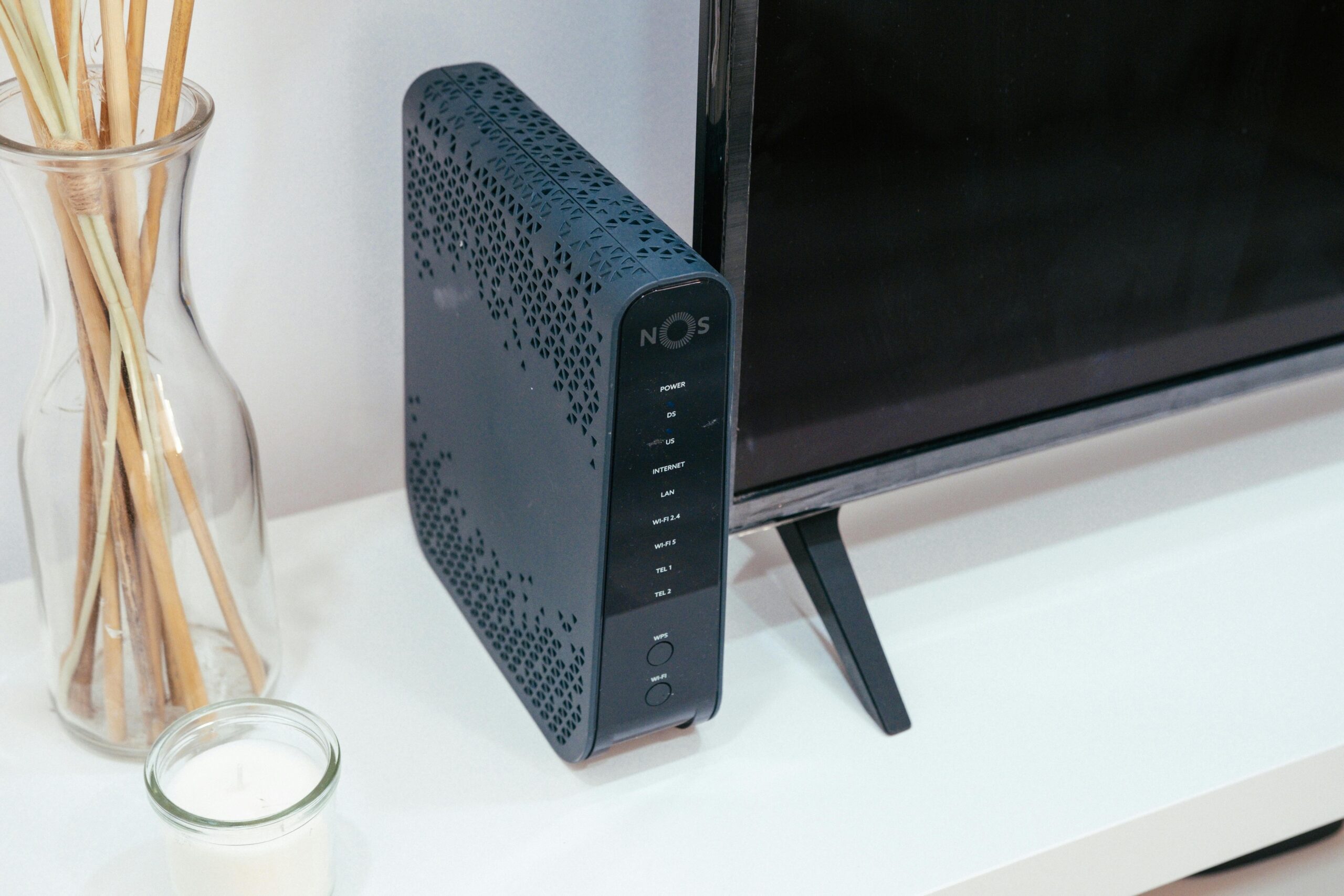
Then Check on Your Router
Once you’ve sorted through your PC’s potential connectivity issues, you can then check on the router and see if it’s to blame for your constant disconnections.
Is anything blocking the signal?
First thing’s first, how many walls and floors are there between you and the router? If you’re on the opposite side of the house, there could be just a few too many barriers between your device and the signal.
You should also double check the router isn’t placed near anything that could cause electrical interference, especially if your router is in the kitchen. This tends to be the room in the house where a lot of metal and other appliances are kept.
Try moving closer or boosting the signal
You can invest in a wifi booster and use it to extend the signal range, or you can simply move the router closer to where you usually use your PC.
Get a new ISP
If all else fails, it could be that you just need to find a new ISP – and hopefully find a high speed internet provider that covers your area!
When the wifi comes with high speed, it means there’s a better connection overall. Indeed, if the wifi can reach such a speed, it’s not being dragged down by latency or an unstable connection!
If your computer has connectivity issues, it could be the computer itself. Troubleshoot that first, then move to your router once you’ve exhausted all your options. And it might just turn out that you need a new ISP altogether!